Description
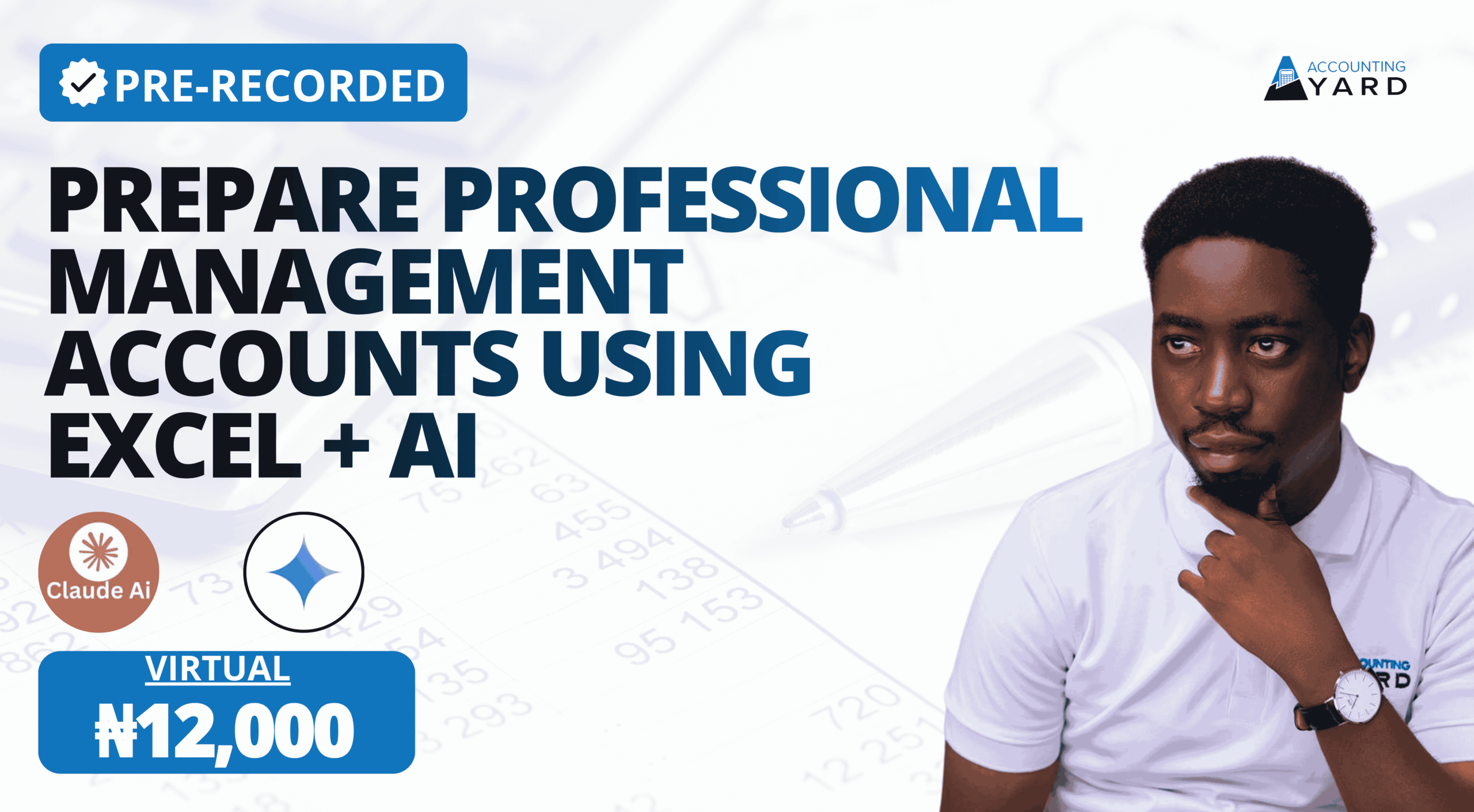
Preparing Management Accounts 2026
Turn a trial balance into decision-ready management accounts, a KPI dashboard and an AI-assisted board pack.
This course follows the full process of preparing management accounts in Excel using the FastBite case study. You start with the trial balance and FS mapping, then build the notes, the income statement, the SOFP and the statement of cash flows. From there you add comparatives, variance analysis and a KPI dashboard, and finally use AI in Excel to prepare and review the accounts and a board pack. It is taught through recorded live classes with real learner Q&A and practical Excel files you can work along with.
What you will be able to do
✓Explain what management accounts are, how they differ from financial statements and across sectors, and apply a 7-step preparation framework.
✓Use the Excel skills MA work depends on: cell references, DATE and EOMONTH, data validation, VLOOKUP, IFERROR, SUMIFS, PivotTables and custom formats.
✓Map a trial balance to the financial statements using two mapping approaches, then build linked notes from revenue and expenses through to tax, assets, liabilities and equity.
✓Prepare the primary statements: an income statement, an SOFP that balances and a statement of cash flows, with comparatives and variances.
✓Design a management dashboard with KPI boxes, variances, sales analysis and financial ratios.
✓Use AI in Excel to prepare, correct and review management accounts and to produce a board pack.
Your learning journey
1MA Foundations(Module 1)
Learn what management accounts are, the data they need and the 7-step preparation framework.
2Excel for Management Accounts(Modules 2–3)
Master the Excel functions and set up the FastBite MA workbook.
3Mapping and Notes(Modules 4–5)
Map the trial balance and build every note to the accounts.
4Statements, Variances and Cash Flow(Modules 6–7)
Prepare the income statement, SOFP and statement of cash flows and analyse variances.
5Dashboard and AI Board Pack(Modules 8–9)
Build a KPI dashboard, then use AI to prepare the accounts and a board pack.
6Final Assessment and Certificate(Module 10)
Take the final test covering the whole course and earn your certificate.
What you get
156 video lessons (about 25 hours) recorded from live classes, with real participant questions answered
FastBite case study workbooks – the FastBite PMA2026 Case Study, day-by-day work-in-progress and shared solution files, Sales Data, the FastBite Complete Pack and the Q1 FY2026 Board Deck.
Reference guides and AI prompts – the PMA2026 Excel Reference Guide, Financial Statement Line Item Mapping, Note Illustratives, Industry Specific IS and SOFP, the Variance Analysis Masterclass, the KPI Industries Deck, the MA Master Prompt, the Board Prompt Guide and the Accountants AI Prompting Playbook.
9 module quizzes and a final assessment to check your understanding
Lifetime access to learn at your own pace and revisit any lesson
An Accounting Yard certificate when you complete the lessons and pass the quizzes
Who this course is for
Before you start: you should understand basic double entry and the trial balance and be able to use Excel for simple formulas.
Try it before you buy
The first four lessons in Module 1 are free to watch.


Reviews
There are no reviews yet.