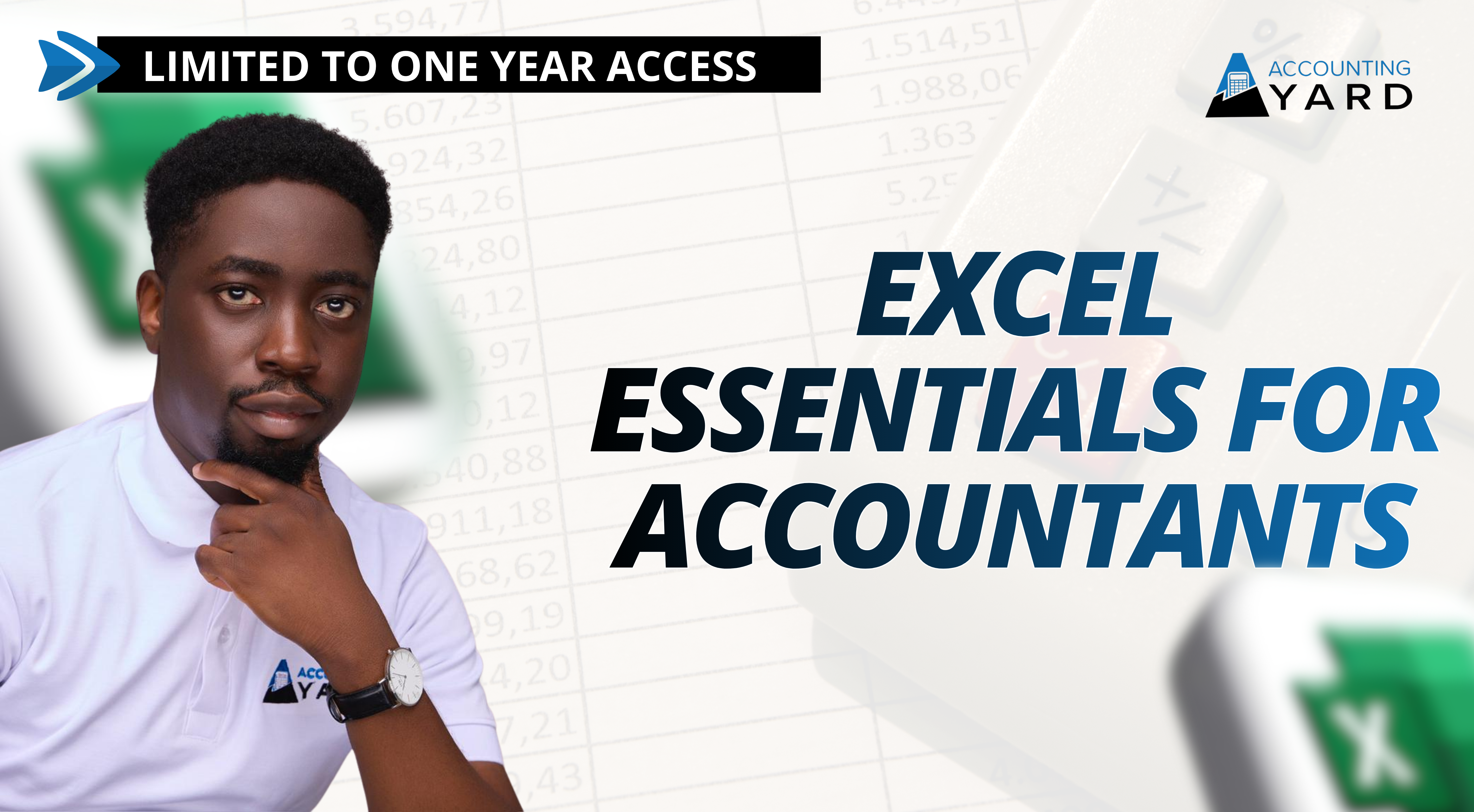
Excel Essentials for Accountants 2025
About Course
Excel Essentials for Accountants
Work faster and smarter in Excel, the way accountants actually use it.
From shortcuts and cell referencing to SUMIFS, lookups, ageing schedules, loan schedules and a PivotTable dashboard, every skill is taught on real accounting data and finished with a practical case study.
What you will be able to do
✓Move around Excel at speed with shortcuts, sheet grouping, paste special and a customised ribbon.
✓Write formulas that copy correctly with relative, absolute and mixed references.
✓Automate decisions and clean data with IF, AND, OR, text and date functions, Flash Fill and Goal Seek.
✓Summarise and look up data with SUMIFS, COUNTIFS, INDEX-MATCH, VLOOKUP and SUMPRODUCT.
✓Build accounting schedules: receivables ageing, loan and interest schedules, YTD P&L and fixed asset summaries.
✓Create an interactive dashboard with PivotTables, slicers, KPI boxes and charts.
Your learning journey
1Excel Foundations(Modules 1–2)
Navigation, shortcuts, paste special and cell referencing.
2Functions Every Accountant Needs(Modules 3–8)
Logical, text, date, rounding, formatting, validation, summary and lookup functions.
3Accounting Schedules in Excel(Modules 9–10)
Ageing analysis, TB to financial statements with PivotTables, loan schedules and YTD reporting.
4Building a Dashboard(Modules 11–12)
KPIs, bands, linked boxes, slicers, department views and charts.
5Final Assessment and Certificate(Module 13)
A 30-question test and a final case study assessment.
What you get
171 video lessons recorded from live classes, with real participant questions answered
Practice workbooks and exercise files: sales, payroll, employee and trial balance data, loan, ageing and P&L exercises
12 module quizzes, a final test and a case study assessment
12 months of access to learn at your own pace and revisit any lesson
An Accounting Yard certificate when you complete the lessons and pass the quizzes
Who this course is for
Before you start: basic computer skills and Microsoft Excel installed on your laptop or desktop.
Try it before you buy
The first four lessons in Module 1 are free to watch. Also available in the Accounting Professionals Bundle with four other practical courses.
Course Content
Module 1: Excel Foundations – Navigation, Shortcuts and Paste Special
-
17:43
-
09:58
-
03:11
-
12:47
-
1.5 Navigating Between Worksheets
04:38 -
1.6 Grouping Worksheets
06:39 -
1.7 Grouping Worksheets – Part 2
05:38 -
1.8 Q&A: Grouping Worksheets
06:16 -
1.9 Navigating Data with Keyboard Shortcuts
27:46 -
1.10 Navigating Data in Excel
06:50 -
1.11 Q&A: Navigating Data
04:00 -
1.12 Tabs and the Ribbon
08:23 -
1.13 Q&A: Customising the Ribbon and Tabs
07:32 -
1.14 The Quick Access Toolbar
10:41 -
1.15 Paste Special
09:27 -
1.16 Q&A: Paste Special
10:15 -
1.17 Paste Special: Transpose
06:35 -
1.18 Q&A: Paste Special Transpose
10:04 -
Module 1 Quiz: Navigation, Shortcuts and Paste Special
Module 2: Cell Referencing and Text to Columns
Module 3: Logical Functions – IF, AND and OR
Module 4: Text and Date Functions
Module 5: DATEVALUE, Rounding, Flash Fill, Tables and Goal Seek
Module 6: Custom Number Formats and Data Validation
Module 7: Summary Functions – MIN, MAX, COUNTIFS, SUMIFS and AVERAGEIFS
Module 8: Lookup Functions – INDEX, MATCH, VLOOKUP and SUMPRODUCT
Module 9: Ageing Analysis and Financial Statements with PivotTables
Module 10: Loan Schedules, YTD Reporting and Fixed Asset Summaries
Module 11: Building a Dashboard – KPIs, Bands and PivotTables
Module 12: Building a Dashboard – Slicers, Departments and Charts
Module 13: Final Assessment and Certification
Student Ratings & Reviews